
Your smart home with an ekey fingerprint scanner and KNX
Combine ekey with KNX, the global smart home standard
Smart living made easy
Use ekey to conveniently unlock your door with a fingerprint scanner and enjoy the convenience of keyless living. Plus, the benefits of your smart home begin the moment you walk through the door.
Connect your ekey xLine, sLine, or dLine fingerprint scanner to KNX and take advantage of the compatibility with products from over 500 manufacturers.
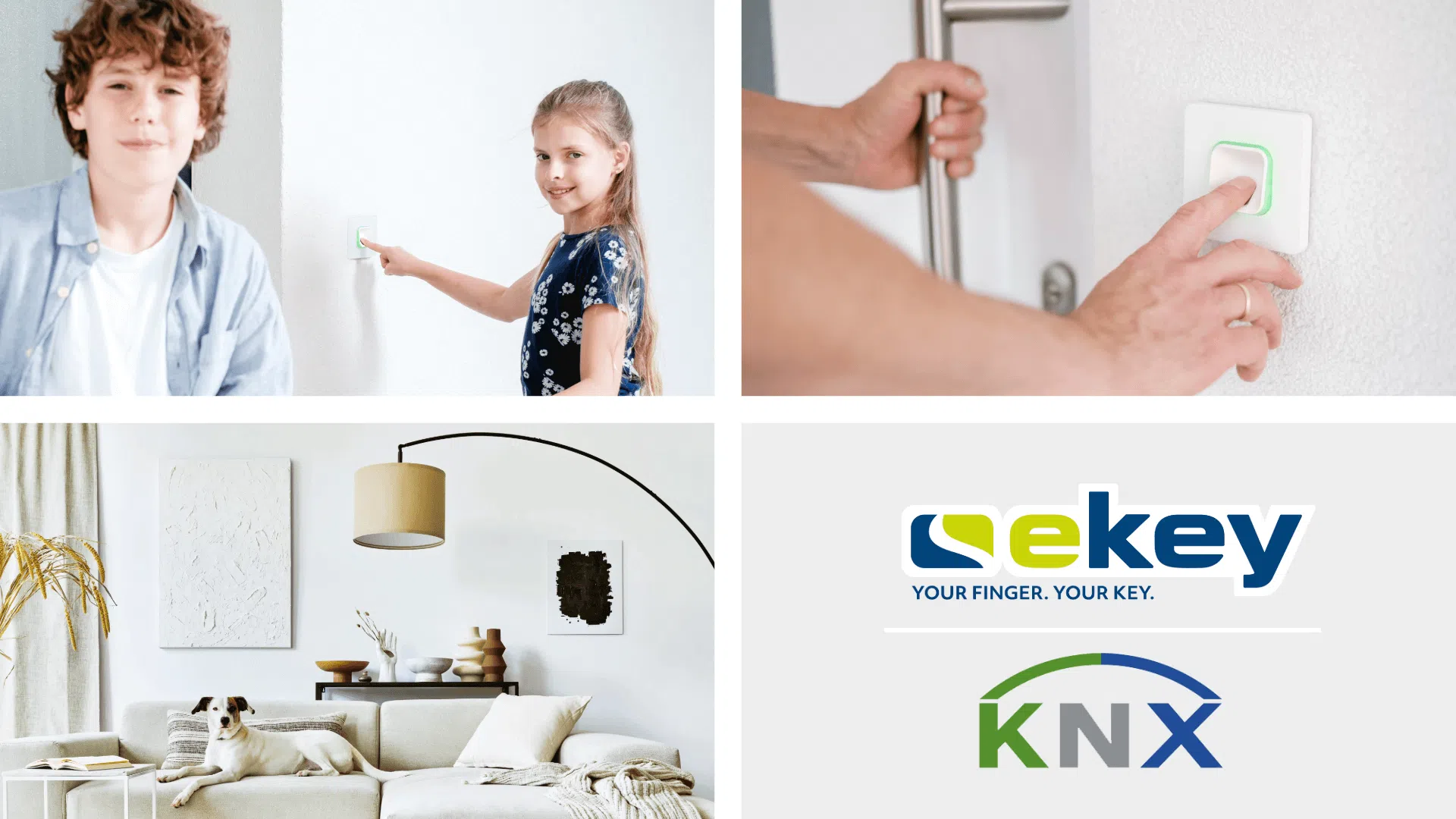
The most important facts in brief
- Experience convenience and the highest level of security with ekey Fingerprint scanner and KNX, the global standard for smart homes.
- Take advantage of the KNX standard—which has been tried and tested over many years—along with its ongoing developments and reliability.
- Not only can you unlock your door with the ekey fingerprint scanner, but you can also control various smart features at the same time.
- By using fingerprint scanners to intelligently control lighting, blinds, and room temperature, you save time and improve energy efficiency.
- With numerous manufacturers in its portfolio, KNX offers the right solution for everyone when it comes to the intelligent control of home automation components.
- Customize the features for each family member and enjoy the convenience they bring to your daily life.
Quickly to the desired content
- Smart living made easy
- Why use ekey fingerprint scanner in combination with KNX?
- How do you integrate ekey and KNX into your home?
- What are the benefits of combining ekey and KNX?
- How do ekey and KNX add value to your everyday life?
- Charge Your Electric Car Smartly with Fingerprint Scanners and a Wallbox
- Child-Safe Bath Time Fun with Fingerprint Scanners
- Which ekey and KNX combination is right for you?
Why use ekey fingerprint scanner in combination with KNX?
With more than 30 years in the market, KNX stands for consistency and offers you the world’s only manufacturer-independent standard for home and building automation. The combination of ekey fingerprint scanners and KNX, with more than 500 manufacturers, gives you the flexibility for maximum customization, high levels of everyday comfort, and the highest level of security:
- Choose KNX for both your new home construction and renovation projects: The system can be flexibly integrated and, with its wide range of options, offers the perfect solution and the right design for everyone.
- With ekey and KNX, you can do away with traditional keys and also set up personalized building control scenarios for each family member.
- Here’s how to specify exactly who has access to your home and what actions should be triggered when the door is opened: Depending on who uses the fingerprint scanner and which finger they use, you can easily trigger personalized events.


How do you integrate ekey and KNX into your home?

You can integrate your ekey fingerprint scanner into your KNX system using the APPMODULE KNX. The APPMODULE KNX, when used with the ekey bionyx connect smart home app, features a KNX/TP interface. The KNX standard ensures that all building automation components can communicate with one another, regardless of the manufacturer or the function being used.
Setup takes just a few steps:
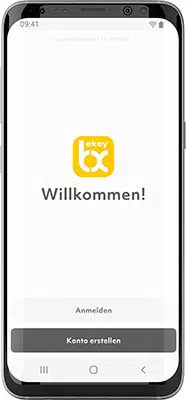
First, you need to install the ekey bionyx app on your smartphone or tablet. In the app, you can configure the ekey fingerprint scanner and set up integration with smart home systems such as KNX via APPMODULE. Make sure you have also installed the ekey bionyx connect app.

First, open the ekey bionyx connect app for the APPMODULE and enter the same user account you use to log in to the ekey bionyx app for your fingerprint scanner.

In the APPMODULE web interface, configure your actions and functions, and enter the corresponding KNX group address.
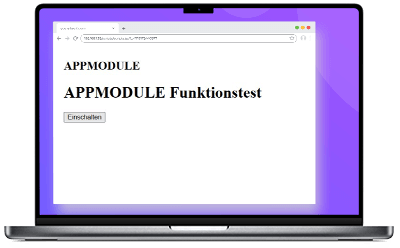
After you’ve set up the integration, it’s a good idea to test it to make sure everything is working as expected.
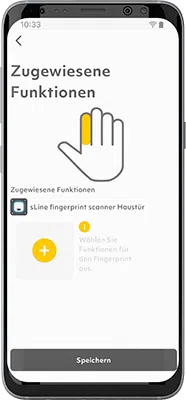
You can now view the configured actions in the ekey bionyx app on your smartphone. All you have to do now is select the finger you want to use to perform the respective function (e.g., control the lights). You can easily do this in the “User” section.
What are the benefits of combining ekey and KNX?
Keyless Door Opening and Smart Home Control
Convenient and secure door opening with just your finger, combined with personalized control of various functions in your home.
Convenient activation of building automation
Enjoy additional features simply by placing your finger on the fingerprint scanner—such as controlling lighting, heating, music, and much more.
System is fully extendable at any time
Enjoy maximum flexibility and the ability to continue extending your smart home with devices and functions using ekey and KNX in the future.


How do ekey and KNX add value to your everyday life?
When used together, ekey fingerprint scanner and KNX can make your daily life easier in many ways. In addition to providing convenient and secure access to your home, you can automatically control various functions such as lighting, heating, and security systems. For example, you can have household appliances turn on automatically when you enter your home or adjust the room temperature to suit your preferences and habits. Take advantage of smart home automation that enhances your convenience and helps you save time and energy.
There are no limits to what you can do—customize the system to fit your exact needs!
Practical examples from everyday life:


Which ekey and KNX combination is right for you?
Create a customized solution tailored to your needs using the fingerprint scanner that’s right for you and the APPMODULE KNX, and take advantage of the compatibility between the two systems.