FAQs about the ekey bionyx system
Answers to questions about devices and administration
How secure is the fingerprint scanner access solution?
How can I rename the function displayed on the dashboard?

1. Tap on the “Devices” symbol in the menu bar.
2. Select an ekey control unit.
3. Tap on “Functions/relays”.
4. Tap on “Edit”.
5. Rename the function.
6. Tap on “Save”.
7. Tap on “Done”.
How does the activation of the ekey system work?
Why does the app require location information in order to find ekey bionyx devices?
The location information is needed to search for devices that use BLUETOOTH® technology. After Android 6.0 was released in 2015, Google introduced new authorization requirements for BLUETOOTH®. Android 6.0 or higher requires apps to ask for authorizations before an app can use system data and functions. If the location services and/or the location authorizations for the ekey bionyx app are deactivated, the Android smartphone and the ekey bionyx app cannot find the hardware matching of the ekey control unit. This means that no connection can be established between the ekey bionyx app and the ekey control unit and that activation thus cannot be carried out.
How can I invite or create a user?
How do I store a new finger?

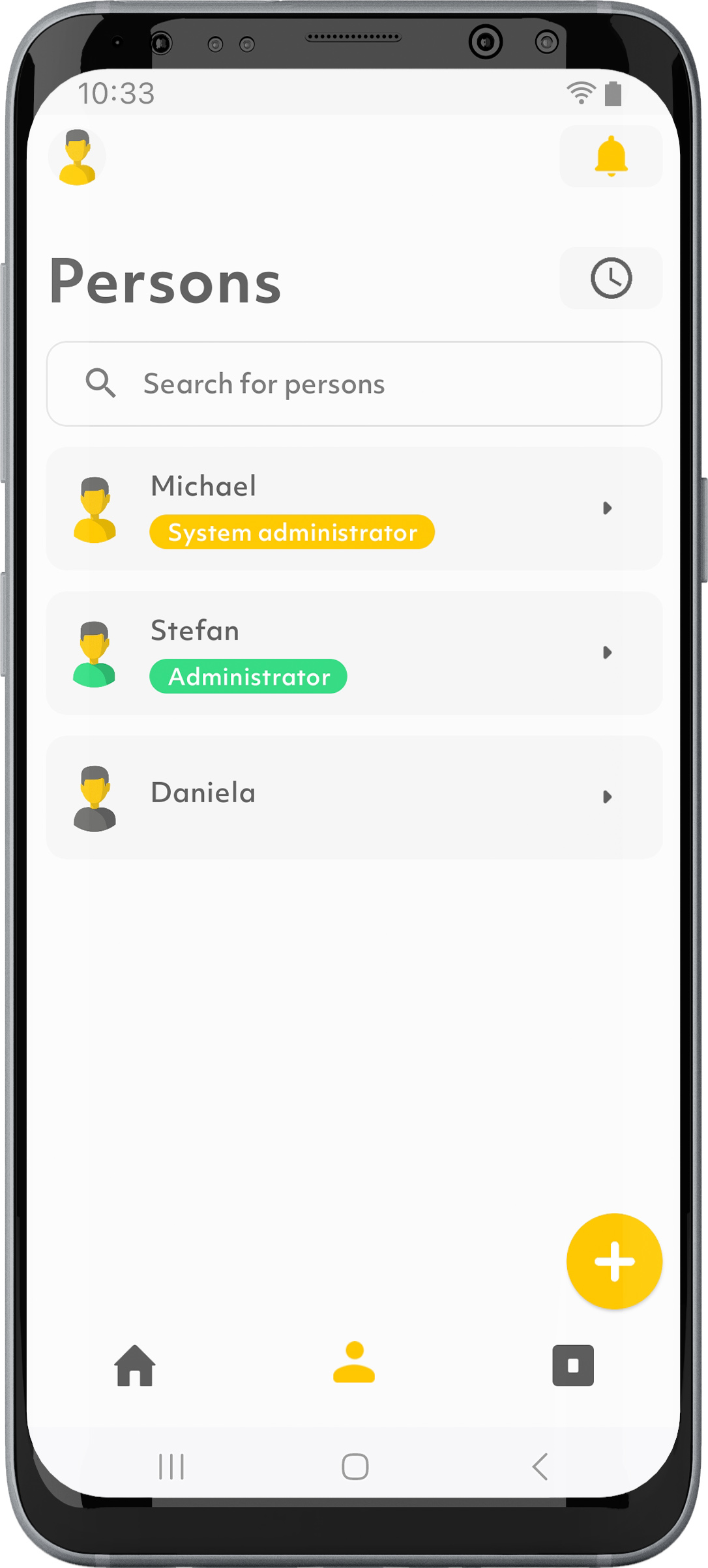
1. Tap on the “Users” symbol in the menu bar.
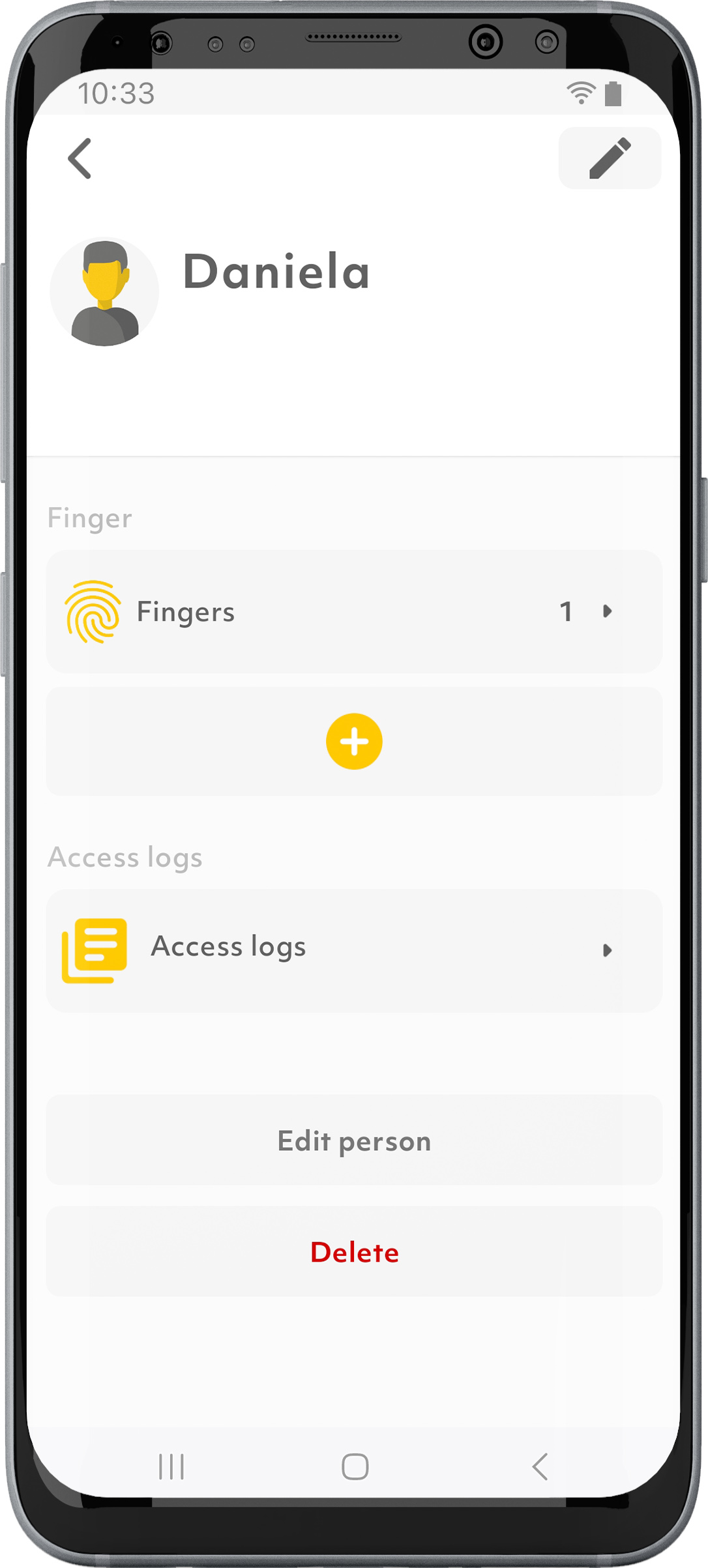
2. Select the desired user.
3. Tap on the “+” symbol.
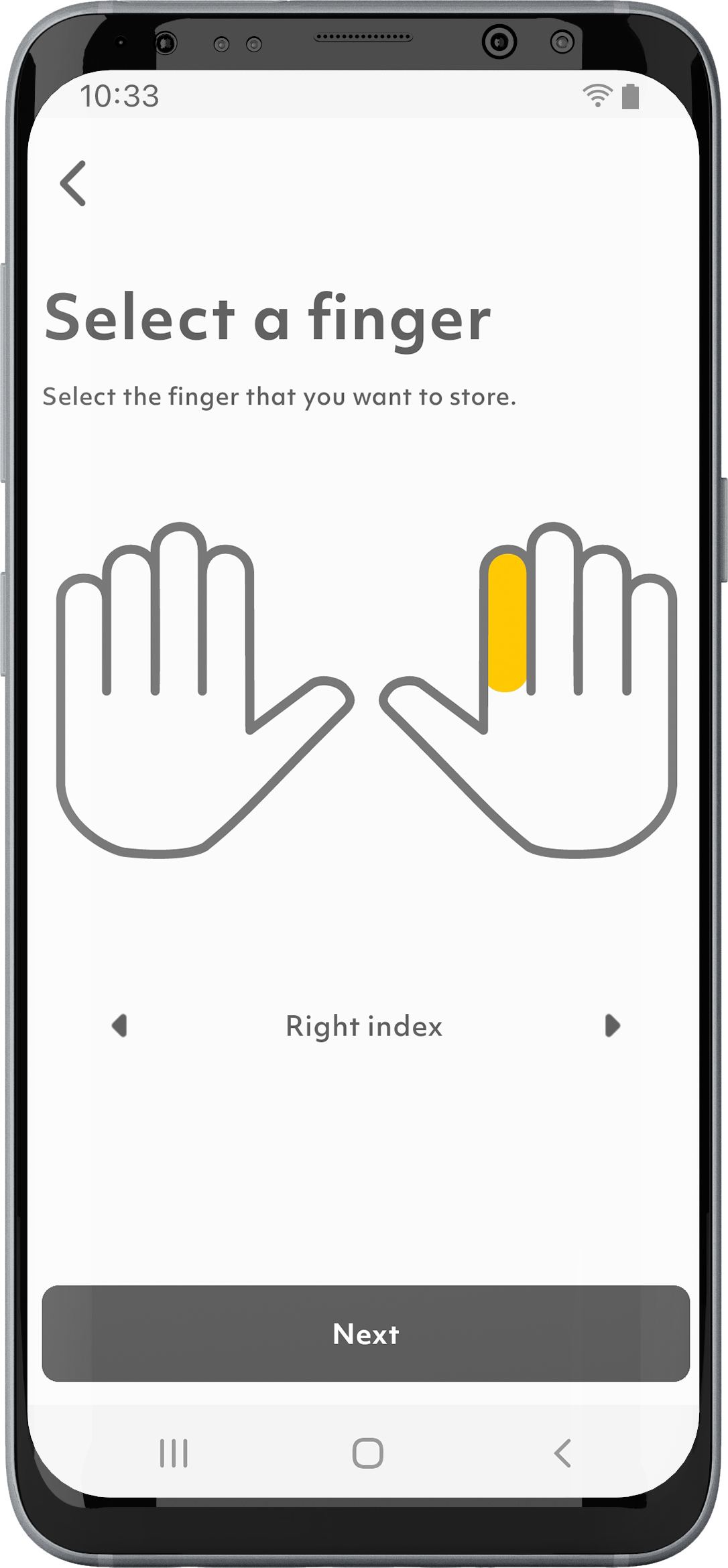
4. Follow the instructions.
Invited users with an ekey bionyx account must store their fingers themselves.
How many users can be stored?
With the new generation of fingerprint scanners, up to 100 users can be stored. Four fingers can be stored per user, each of which can trigger different functions. Upon delivery, 20 users are available free of charge. In the Plus mode additional users can be purchased at any time if necessary.
Where can I find information about the users in the ekey bionyx app?
How do I delete a user?

1. Tap on the “Users” symbol in the menu bar.
2. Select the desired user.
3. Tap on “Delete”.
4. Confirm with “OK” that you really want to delete the user.
How can I delete a user’s individual fingers?


1. Tap on the “Users” symbol in the menu bar.
2. Select the desired user.
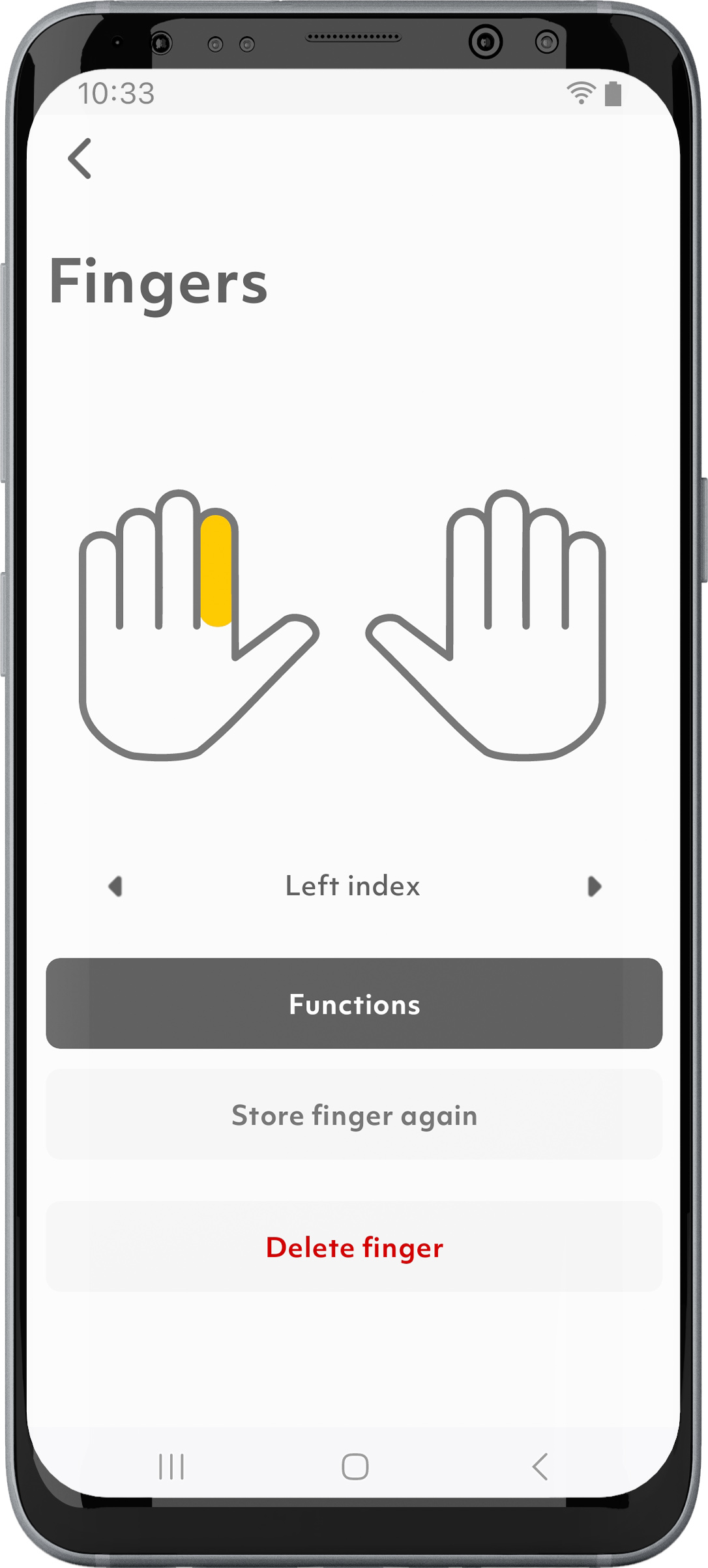
3. Tap on “Fingers.”
4. Select the desired finger.
5. Tap on “Delete finger”.
6. Confirm with “Delete” that you really want to delete the finger.
Invited users with an ekey bionyx account must delete their fingers themselves.
How can I enable or disable a user?
This function will be offered at a later date via a software update.
Until then, you can proceed as follows: Revoke the user’s authorization to prevent them from accessing the function.


How do I change the relay switching duration?

1. Tap on the “Devices” symbol in the menu bar.
2. Select an ekey control unit.
3. Tap on “Functions/relays”.
4. Tap on “Edit”.
5. Scroll to the bottom and slide the slider to the desired relay switching duration.
6. Tap on “Done” and “Save”.
How can I carry out a device update?
Updates can generally be carried out under “Settings” and “System Update”.
In Plus mode, devices are automatically updated overnight.
Why can I use my headphones and speakers or car radio with BLUETOOTH® technology without location authorizations, but not my ekey system?
Headphones, loudspeakers, or the car radio work with BLUETOOTH® standard technology, while the ekey system (like many other devices) uses BLUETOOTH® Low Energy technology. Location authorizations are only required for devices that use BLUETOOTH® Low Energy technology.
How can I reset my device to the default settings?

1. Tap on the “Devices” symbol in the menu bar.
2. Select the desired device.
3. If necessary, scroll all the way to the bottom.
4. Tap on “Reset and delete device”. 5. Confirm with “RESET AND DELETE DEVICE”.

You can also reset your device using the reset button on the ekey control unit: press the reset button for at least 3 seconds. If you have an ekey dLine control unit, you must remove it to do so.
How do I open my door with Alexa?
You can open the door with Alexa as soon as you have configured the ekey device in the Alexa app. You have two options to choose from:
Option 1: 1. “Alexa, open the front door”. (“Front door” = name of the ekey device). Alexa asks, “What’s your voice code for front door?”
2. Say your 4-digit security code.
Option 2: 1. “Alexa, open the front door – 1234”. In this example, “1234” is your 4-digit security code. The door will open.
Does my smartphone need a WLAN connection in Local mode?
A WLAN connection is only required to download the ekey bionyx app and any firmware updates.
How do I disconnect a device which was paired in Local mode?
1. Tap on “Disconnect” under “Settings” or “Devices”.
2. Confirm with “Unpair” that you really want to disconnect the device.
You can then start the initial activation or connect to an existing system.
How can I change the brightness of the light ring or turn it off?

1. Tap on the “Devices” symbol in the menu bar.
2. Select the desired ekey fingerprint scanner.
3. Tap on “Signaling”.
4. Set the brightness slider of the standby lighting to the desired value. If you want to turn off the standby lighting completely, set the brightness slider to 0%. This only turns off the standby lighting; all other signals remain unchanged.
How can I assign a function to a relay?

1. Tap on the “Devices” symbol in the menu bar.
2. Select the desired ekey control unit.
3. Tap on “Functions/relays”.
4. Select “Edit”.
5. Configure the relay.
6. Tap on “Done”.
How is data transferred in the ekey bionyx system?
Data transmission in the ekey bionyx system is end-to-end encrypted. All data is encrypted before being transmitted across all transmission stations. An individual key is used for communication between the ekey bionyx system and ekey devices, which is known only to the two devices. This key is only exchanged between the mobile device and ekey devices during activation. The transmitted data is encrypted by the mobile device and only decrypted again by the ekey fingerprint scanner or the ekey control unit. The data sent cannot be read or generated by hackers or by ekey itself. Each sent message or command, e.g. “Open front door” or “Store finger”, is valid only once and for a short time.